
6 Free Embroidery Software for Digitizing for Beginners
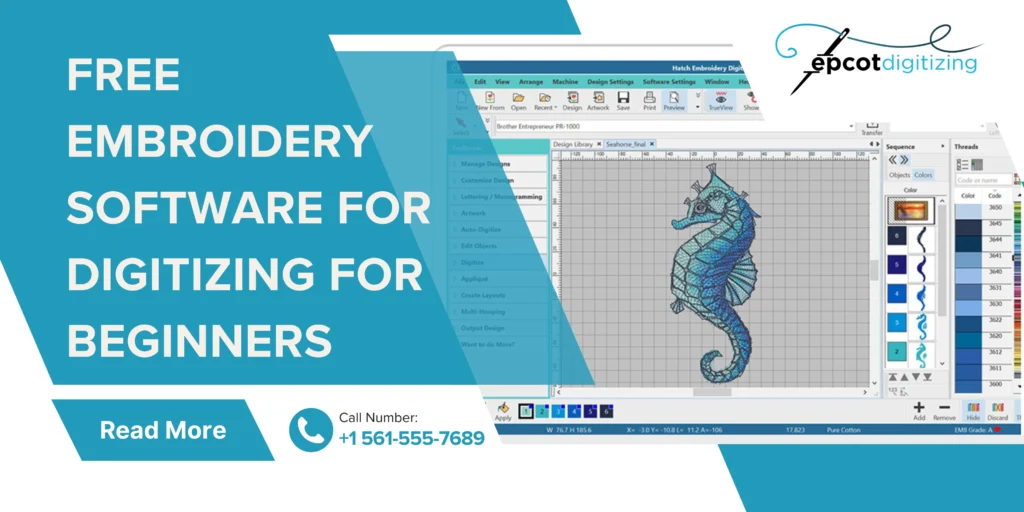
You are just getting started with embroidery digitizing and you’re not alone if you want to try out free embroidery software before investing in tools or services. Free tools don’t compare to expert services but can feel like the safe option whether we are talking about simple logos or cap embroidery digitizing. As a beginner you may want to learn the basics and experiment with the features to know how designs turn into stitches (and not go for upfront costs just yet).
We’ve rounded up the best software so you can get started while also diving into how there’s more to embroidery digitizing than just clicking a few buttons!
Best Free Embroidery Digitizing Software You Can Try
Getting started with embroidery software for digitizing for beginners can feel confusing at first and more so when you have super complex and detailed artwork you want in the form of stitches. You get quality through managing design complexity and you need to have the right tools and a superb approach to make it happen. Many of these free embroidery tools help beginners learn but keep in mind that the lack of skills and limits in the software itself will matter for how precisely you will be able to handle layers and stitch types.
1. Ink/Stitch
Free & Open-Source Option
Here’s one of the best free embroidery software options today and it works as an extension for Inkscape. You can turn your vector designs into stitches in such open-source embroidery programs but it does take time to understand. For anyone wanting to try a hand at vector to embroidery conversion the interface here will be a tad tech-y at first but powerful once you get used to it.
2. SewArt
Includes Free Trial for Beginners
Do you want an easy way to convert images into embroidery files that match up with basic machine embroidery design? In that case you get a superb solution with SewArt that allows embroidery software free download with a trial option. A simple layout for novices but very limited free tools that still serve as a nice way to test digitizing before you move on to advanced tools.
3. My Editor by Wings XP
An Editing-Focused Tool
You want to resize and tweak designs without starting from scratch and that is where you turn to My Editor as a solid free embroidery digitizing software. It’s especially helpful for design editing for embroidery, especially when working with ready-made files. However, it doesn’t offer full digitizing features, so you’ll need another tool for creating designs.
4. Embrilliance Express
Basic Free Features
Embrilliance Express is a simple free PES file software that focuses on basic lettering and file formats. And you, much like many users, will love it as an easy embroidery software because a complete novice can learn from it. That said you need to know that advanced features require paid upgrades and this is what makes the software a starting point and not a complete solution.
5. Bernina ArtLink
Simple Viewing & Conversion Tool
A reliable machine embroidery software free option if you want to view and convert files when you have various embroidery formats. And no it does not support full pattern but Bernina Artlink is great for learners who want to understand how designs look before they input them in a machine.
6. StitchBuddy
A Popular Option for Mac Users
Once again you get a machine embroidery software free for hassle-free basic editing and resizing along with changes to files. StitchBuddy is beginner embroidery software for Mac because it keeps things clean but it does lack advanced features that any brand needs for expert level work.
Perks and Limitations of Free Embroidery Software
You get to use free tools to test ideas and try simple designs all without paying because either you are limited on funds or you want to understand how stitching works first. Some software has modern features like machine learning in embroidery and the smart basic tools let you learn and use features easily. These are the pros of non-paid software for embroidery design in a nutshell.
But as you keep using the free features you will start noticing a few roadblocks. The most obvious is that most embroidery digitizing software for beginners are for learning and not specialized results. This makes you slow down in many ways.
All these drawbacks will matter when you use embroidery in branding for sales and merch and other purposes where top quality is not optional. There’s a good reason why you won’t find successful brands using anything other than professional embroidery digitizing services in USA. Free tools will not grasp complex digitizing embroidery patterns which can lead to uneven stitching and thread breaks. Not to mention that there’s a good chance that designs won’t come close to how you see them in the basic digital form.
Choosing Expert Digitizing Over Free Embroidery Design Software
The work of the masters hits a level of detail that free tools cannot reach. You’re not just getting a file but an experience where accurate stitch paths and density according to design and fabric are mainstays. An expert with years of experience and access to top (even custom-built) software out there will know exactly how designs behave on real garments unlike the limited features of embroidery editing software free.
You’ve Locked in the Basics, So Now What?
You want your logo or symbol or any other artwork on jackets or caps. It can be standard or 3D with any color and depth range and has to be compatible with the exact embroidery machine you will be using for stitch work. You will get your perfect results when you don’t go for trial and error of free embroidery software but the pros who give polished results.
That is what we do at Epcot Digitizing, saving your time and making your final embroidery look exactly the way you want. Let’s work together today and you can expect designs that truly stand out every single time.