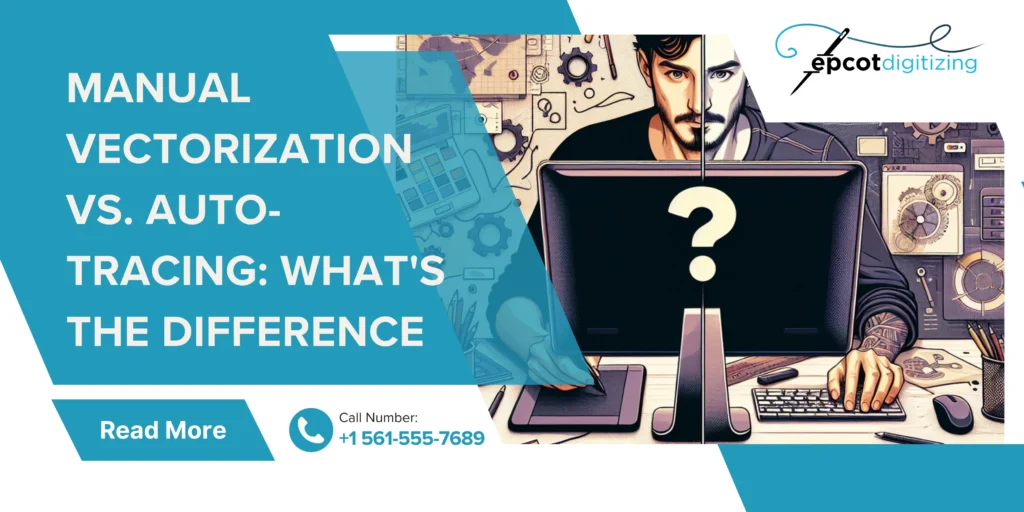
Manual Vectorization vs. Auto-Tracing: What’s the Difference
When your goal is embroidery that is clean and easy to read and comprehend then you always have to start with superb artwork digitization. The way your design is set up has a big impact on how it will stitch on fabric no matter if it’s a logo or some custom piece we’re talking about. Picking the right method matters when you are tackling the process on your own or working with a digitizing service for embroidery in USA. Many people don’t realize how much the image setup stage affects the final result and that is where manual vectorization vs. auto-tracing comes into play. You’re aiming for smooth and accurate stitch work and we’re here to guide you about how you can make it happen.
Difference Between Manual Vectorization and Auto Tracing
Embroidery digitizing is all about turning images into stitch-ready files and a big part of this process is image tracing. Even in beginner embroidery software for digitizing the choice between the two goes all the way to affect your final design. That’s becasue you are at a stage where simple or complex graphics turn into paths that machines to read and follow to give you your design into thread form.
Manual tracing is when a designer redraws the image by hand using digital tools and they have full control over every line and curve. Auto tracing is where you get the convenience of built-in tools with pre-programming so that the software can detect shapes. That way it can convert them into paths on its own and make the process quick and easy.
You may be considering auto vectorization at this point the obvious choice because it sounds like the machine will always give the best output. But that’s not always true and most designs still need manual editing to look right. The quality and detail you want are how you decide what’s the best method for vectorizing images for printing.
Breaking Down Manual Vectorization vs. Auto-Tracing
If you work with design or embroidery then you have to know the small details to know if manual or auto proves a top-notch conversion method. Both methods have their fans but you have to decide for your own purpose and goals which is better manual vectorization or auto tracing.
Accuracy and Detail
The biggest concern for designers in vector graphics is that even small flaws end up in the stitch work. Manual work often wins when it comes to clean results because this is the best out of the two vectorization techniques where a designer can fix rough edges and shape lines properly. Auto tracing can miss tiny details or create uneven lines and more so with complex artwork.
Control and Flexibility
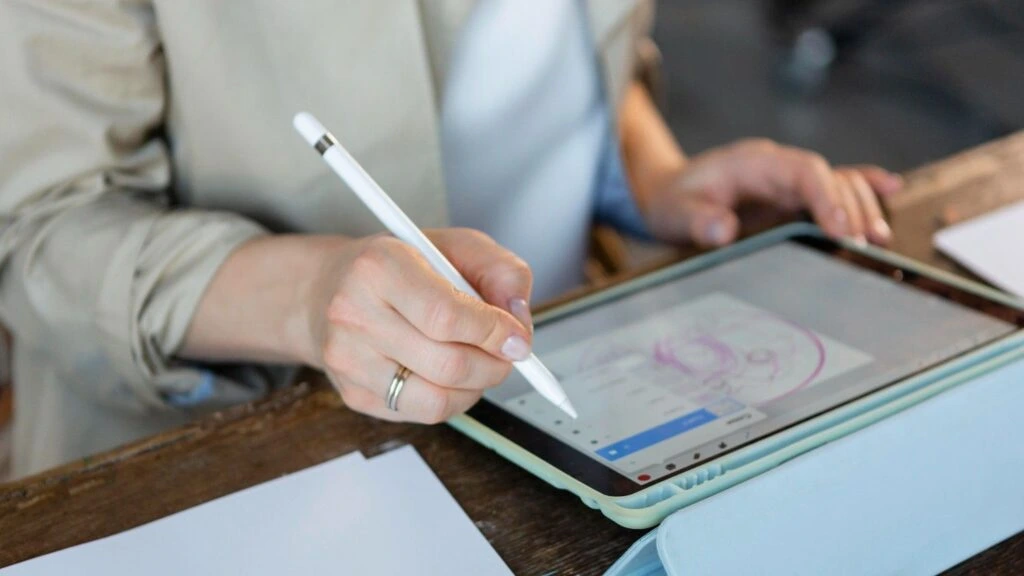
What sounds amazing is the fact that an image conversion process lets you fine-tune each curve and node and line so that the design does not lose its shape. Manual tracing gives you full control over scaling and sizing in digitizing and that is crucial for the accuracy of stitches. This is especially useful when you need to use the same design with many fabric types.
This level of control keeps the artwork balanced and easy to edit later as well when it comes to digital illustration. Auto tracing is a gift for busy designers and branding teams but you should know that there will be limited control. Plus making changes after tracing can sometimes be harder and more time-consuming.
Handling Complex Designs
Will detailed artwork comes more need for careful handling. Manual work is better for vector graphics conversion when there are textures and shading or any kind of fine elements in your final design. Auto tracing relies on image processing which can capture details to an impressive level given the recent tech. But it can struggle with complex images and you may end up with messy or broken paths at times.
Quality of Final Output
Both manual and auto vector conversion can give you a polished result but fine details in the art mean that the former may be the best method for vectorizing images for printing. We’re talking about stitch work and that means manual work will let you achieve clean lines and smooth edges that the final user will appreciate. Auto tracing depends on design automation and that is the main reason why how well the job is done depends on image complexity and software settings.
Best Use for Logos and Branding
Logos need to be exact in size and shape and even in details like the depth of different elements. You may want to lean toward the first choice in manual vectorization vs auto tracing for logos. You or your professional digitizers can make sure every shape looks right and balanced. For mock-ups or projects that can still rely on autotrace software for quick versions. But for branding and more formal reasons they will need fixing for a polished result.
Use in Applique Digitizing
You may think that the manual vs auto tracing factor won’t matter given the less machine work needed in applique. But we are talking about pre-made designs where the embroidery will refine the design and attach it. That is why experts who offer applique digitizing services often rely on manual work to get neat edges and proper stitch flow plus clear layers between fabric pieces. You also get to avoid thread breaks and uneven fills by creating even vector paths.
Speed and Turnaround
It goes without saying that auto tracing is how you get fast results but that also depends on how much you focus on details. Auto tracing in vector graphics will give you the ease of sift work but it can make mistakes like uneven stitch paths if you do not use good software or the person working on it is not trained to use the graphic design tools. When we take manual tracing into account that it is vital to note that it is not always fast and you will need to rely on an expert if you want each part is drawn by hand.
Quality Embroidery Results Start with Smart Image Conversion Choices
The manual and auto debate in converting designs into stitches is all about your own needs as you may have one project that needs speed and another where clean finishing is a must!
So looking at manual vectorization vs. auto-tracing a mix of both methods works best in many cases to help you save time without losing quality. At Epcot Digitizing we focus on getting that perfect balance right for you as our team works closely on each design to make sure its stitches are pristine and look sharp on fabric. Reach out to us if you want results without the guesswork and we’ll get your design ready!